Updated
Digital Material Catalog for Lasers
Laser settings for 58 materials, tested on your stock and exported to LightBurn.
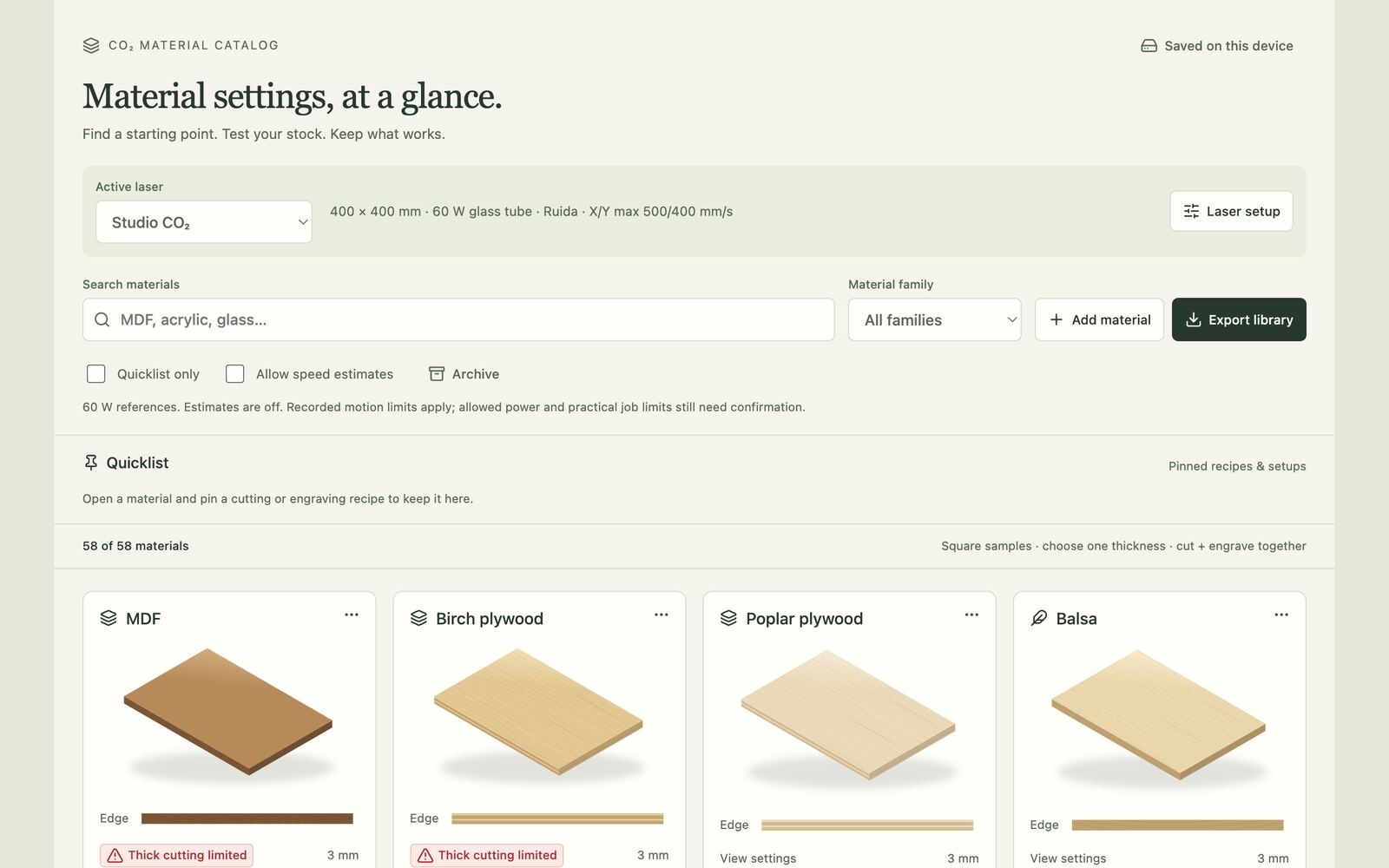
What it is
A reference for cutting and engraving on a CO₂ laser. It holds 58 materials, each with grain and edge previews and cut and engrave settings for a chosen thickness, tuned around a 60 W Ruida-controlled studio machine.
The idea is to go from a published starting point to settings you have actually tested on your own stock, and keep them: log each test, pin the recipes that worked to a quicklist, and export them straight into LightBurn.
How it works
- Machine profiles hold bed size, wattage, motion limits, calibrated step lengths and the controller's power range. They can be imported from Ruida or GRBL LightBurn device files, and nothing is ever written back to a controller.
- Every test is logged with exact power, speed, passes, focus, lens, air assist, stock measurements and outcome, failed runs included. A test that worked becomes the preferred recipe for that laser and stock.
- LightBurn
.clbmaterial libraries are generated in the browser, for one preset or the whole filtered catalog, always in mm/s and with single values rather than ranges: a measured test where one exists, otherwise a reviewed starting point from the reference range. - Clear, colored and extruded acrylic also have a separate Line engraving preset for scoring outlines and single-line lettering. Its settings are untested starting suggestions, to confirm on scrap first.
- It also generates cut and engrave test grids and fit coupons, previewed against your scrap size and the machine's limits, as an editable LightBurn
.lbrn2project or SVG. A downloaded grid can be reopened to record each cell's result. This export is still in beta and has not yet been opened in the LightBurn desktop app. - Backup and sync go to a private GitHub repository of your choice, through a fine-grained token that is kept in memory and never stored.
- There are no dependencies: a small Node script assembles the whole app into one static
index.html.
Built with
Started